Introduction
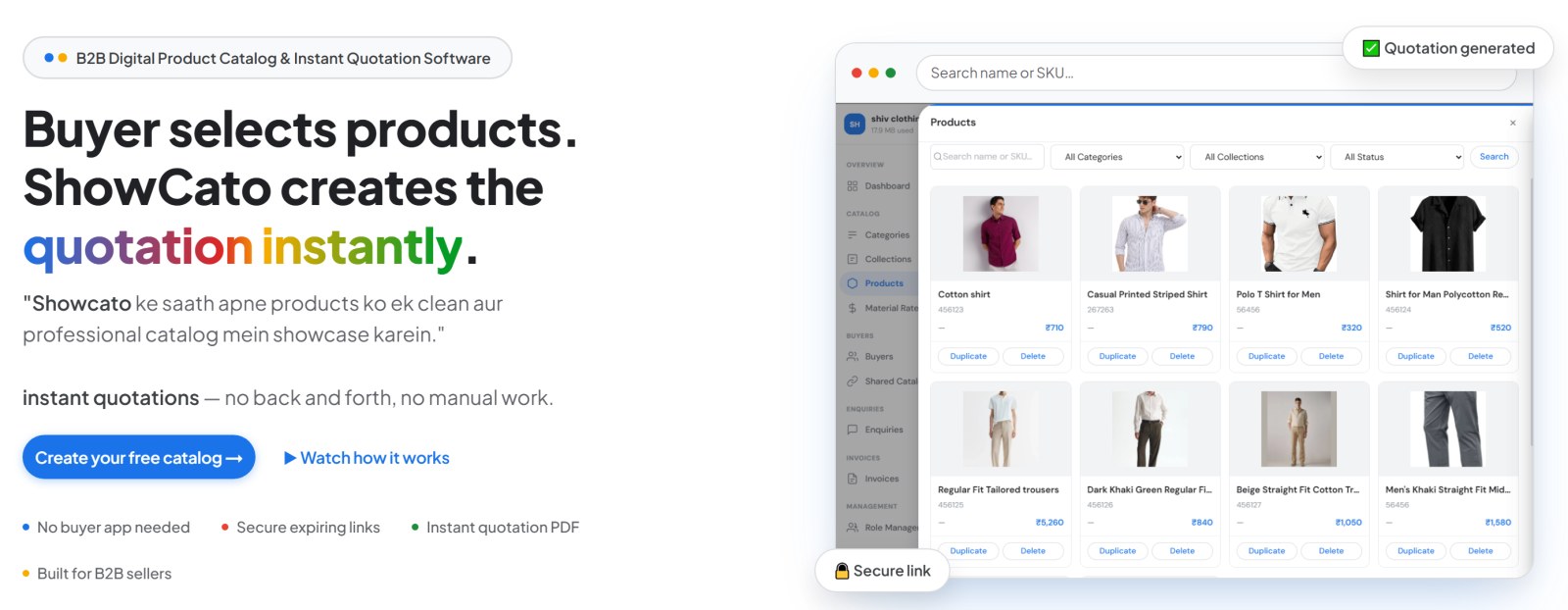
ShowCato turns your product photos into an online catalog. You send it to buyers as a link, and their orders come back to you as ready-made quotations. No back and forth, no manual work.
Most B2B sellers still share their range the slow way: photo after photo on WhatsApp, a PDF price list, and then a long chat while the buyer types back product names, codes and quantities. After every message, someone prepares the quotation by hand.
ShowCato replaces all of that with one link. You add your products once, with their photos, prices, sizes and colours. Then you share any set of them with any buyer. The buyer picks what they want and taps Get Quotation; ShowCato works out the prices, discounts and GST and creates the quotation for you.
Whether you are a small shop sending your first catalog or a manufacturer with a sales team and hundreds of dealers, ShowCato grows with you. Start free with 1 GB of storage, then add team members, more businesses and paid add-ons only when you need them.
- Sending product photos one by one on WhatsApp
- Buyers type back product names, codes and quantities by hand
- Old photos and prices stay in customer chats for months
- Preparing a quotation by hand after every buyer message
- Looking the same as every other small seller
- One professional catalog link with all your products
- Buyers select products and get a system-generated quotation
- Links expire on time, so outdated designs and prices stop circulating
- Every quotation is saved with buyer, products, quantities, date, status and notes
- Looks like a proper company and builds trust with every buyer
How to use this guide
The guide follows the order you will use ShowCato in. Read it top to bottom, or jump straight to a topic from the menu on the left.
| Section | What you will learn |
|---|---|
| Getting Started | Create your account, finish the setup wizard and find your way around the dashboard |
| About ShowCato | Business types, industries, demo catalogs, pricing and enterprise services |
| Catalog | Categories, collections, products, variants, formula pricing, bulk upload and packages |
| Sharing & Buyers | Catalog links, what your buyer sees, your buyer list and Lead Connect |
| Sales | Enquiries, invoices and buyer analytics |
| Account | Team members, settings, storage, security, support, FAQ and glossary |
What is ShowCato?
ShowCato is a B2B digital product catalog and instant quotation software. It replaces the photos, PDFs and price lists you send buyers on WhatsApp today with one clean, private catalog link.
ShowCato in six points
Photos, prices, sizes, colours, SKUs and GST details, organised in categories and collections.
Each link has its own products, prices, discount and expiry time.
Buyers need no app, account or password. They tap the link and browse.
The buyer picks products and quantities. A PDF quotation with GST and totals is created in seconds.
Links expire, can be stopped at any time, and can ask buyers to verify who they are.
Analytics shows who opened your link, what they viewed and what they selected.
In one line: you share a catalog link, the buyer selects products, and ShowCato sends you a ready quotation.
Who is it for?
ShowCato is made for businesses that sell to other businesses: anyone who sends product photos and price lists to buyers and then writes quotations by hand. If your orders start with "send me your latest catalog", ShowCato is for you.
Types of business
Show your full range to dealers and retailers.
- Share new designs the day they are ready
- Give each dealer their own price and discount
- Collect bulk orders as clean quotations
Send stock lists to hundreds of shops without retyping.
- One collection per brand or season
- Slab discounts for bigger orders
- See which shops opened the list
Carry the whole catalog in your phone.
- Send a link during a call or visit
- Each salesperson gets their own login
- Every enquiry is saved, nothing is lost in chats
Look professional from day one, for free.
- Your logo and name on every catalog
- GST-ready quotations without accounting software
- Start free with 1 GB storage
Sell packages the buyer builds step by step.
- Steps and options with their own prices
- Buyers configure and get a quote
- See Packages
Run several businesses from one login.
- 25 display currencies
- A separate business for each brand
- Switch between them in one click
Industries and how they use ShowCato
Who uses it inside your business
| Person | What they do in ShowCato |
|---|---|
| Owner | Sets up the business, prices, GST, add-ons and team access |
| Catalog manager | Adds products, photos, variants and collections |
| Sales team | Shares links with buyers and follows up on enquiries |
| Accounts | Turns enquiries into invoices and records payments |
What you can do
From your first product to a paid invoice, this is the full ShowCato journey. Hover a step to pause the tour, or click it to learn more.
Steps 1 to 5 are free. Step 6 uses the Invoice Billing add-on.
Is it free?
Yes. The core features are free, with 1 GB of storage and no credit card needed. You pay only for the add-ons you choose.
| Free | Paid add-ons |
|---|---|
| Products, variants, bulk upload | Open "All Buyers" links |
| Catalog links for specific buyers | Invoice Billing |
| Quotations, enquiries, analytics | Automatic WhatsApp messages |
| Team members, GST, multiple businesses | Your own domain, extra storage |
See Pricing & Add-ons for prices.
Ready to share your first catalog?
Set up your business and send your first link in about 10 minutes.
Create your free catalog Read the Quick Start